Fakie Gazelle
The transition from skating backward to forward, step by step.
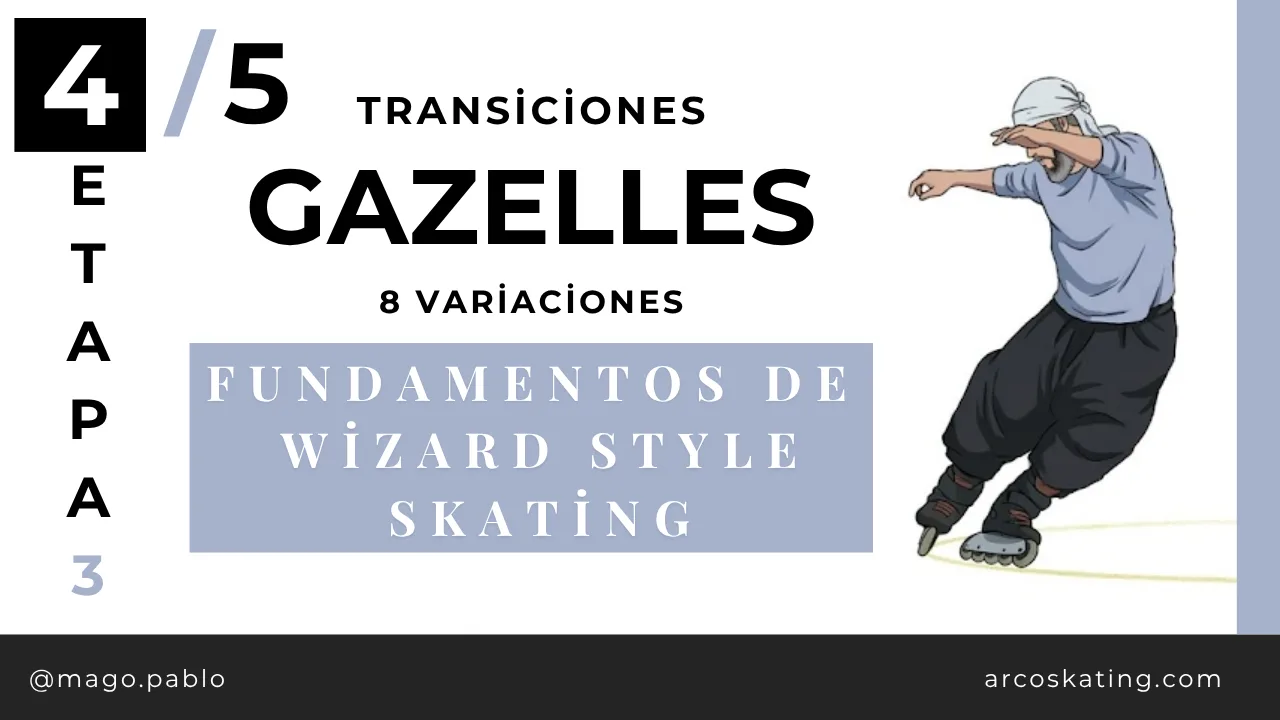
The fakie gazelle is a rolling Wizard Skating transition that turns your backward skating into forward skating without jumping: the skates pivot on their edges while the wheels keep rolling. You enter fakie, the torso leads the rotation, and you exit facing forward while keeping the speed of the line.
Want to learn how to do a fakie gazelle in wizard skating in less than 5 minutes? In this tutorial I show you step by step how to master this key transition that lets you switch from skating backward to forward smoothly.
In the style's taxonomy, the gazelle is the two-foot transition: the combination of two parallel turns. The fakie version — entering backward — is one of the most used, because it solves the problem of getting back to forward without cutting the line.
The fakie gazelle is one of those moves that opens the door to a new level of flow. It is perfect for taking your skating to the next level inside the Wizard Style: the transition becomes invisible and everything connects.
If you already skate backward with confidence, have comfortable Parallels and want to start stringing longer lines together, this is one of the moves you'll use the most.
Steps
- Check the prerequisites: you need to roll backward with confidence and have comfortable Parallels in both directions — the gazelle is the combination of two parallel turns.
- Enter fakie in your base posture: bent knees, centered weight, skates parallel and your gaze over the shoulder in the direction of travel.
- Load the rotation with your torso: turn your gaze and shoulders first toward where you want to exit — the turn is charged up top before the skates move.
- Turn on the edges: keep the wheels rolling through the whole transition, lean into the turn and lower your center of gravity to gain control.
- Exit forward keeping your speed: receive the exit with soft knees and a forward base posture. If the speed died in the turn, the lean came in too late.
- Work both sides: practice toward your natural side first, then double the reps on the awkward side — long lines demand both.
Common mistakes
- Jumping the transition: if the wheels leave the ground, it is a different move. The gazelle lives on the edges; lower your speed until you can turn while rolling.
- Turning only with the feet: the rotation starts in the gaze and torso; when the skates lead, the turn gets cut short and the line is lost.
- Entering almost stopped: a minimum of roll makes the turn more stable — without inertia, the transition becomes a static pivot and loses its point.
- Practicing only your good side: the fakie gazelle shows up in the middle of lines; if it only works one way, half of your combinations stay closed.
In one sentence
The fakie gazelle turns the trip from backward to forward into part of the dance: two parallel turns chained together, rolling on the edges, without jumping. When the transition becomes invisible, the line stops having seams.
Frequently asked questions
- What do I need to master before the fakie gazelle?
- Skating backward comfortably and clean Parallels in both directions. Since the gazelle combines two parallel turns, every gap in your parallel shows up amplified in the transition.
- Is the fakie gazelle an official Wizard Skating move?
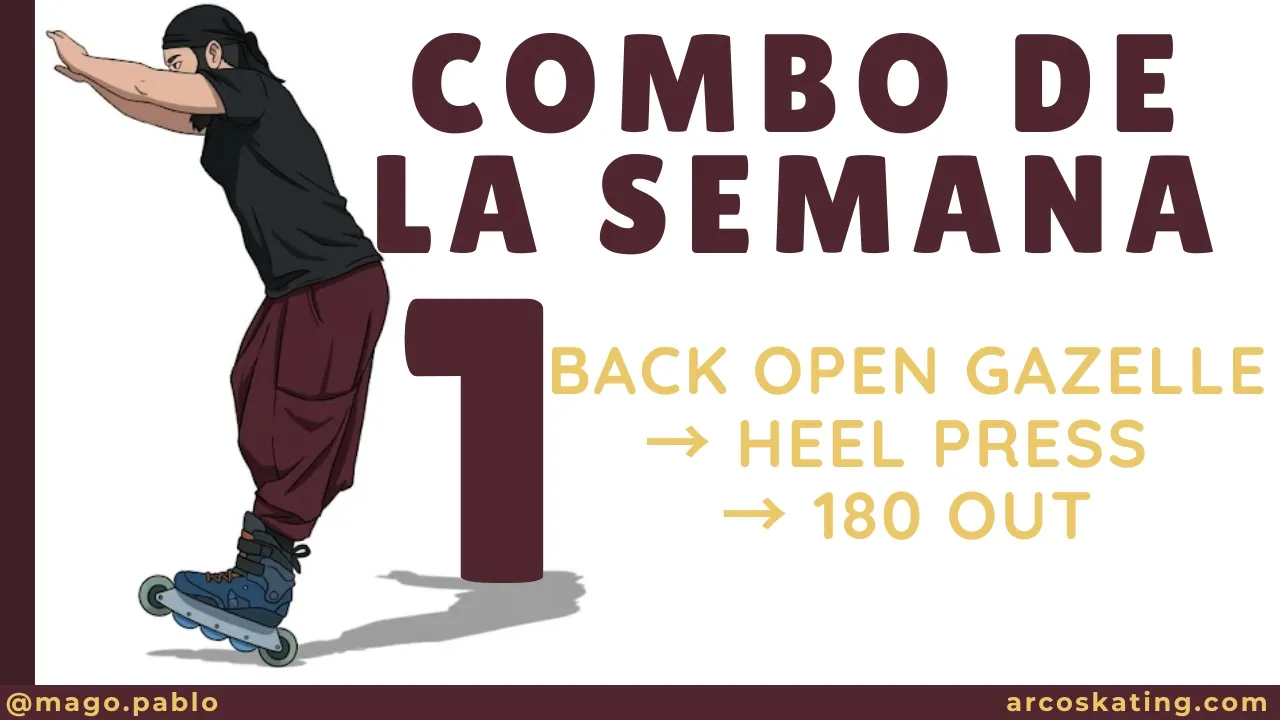
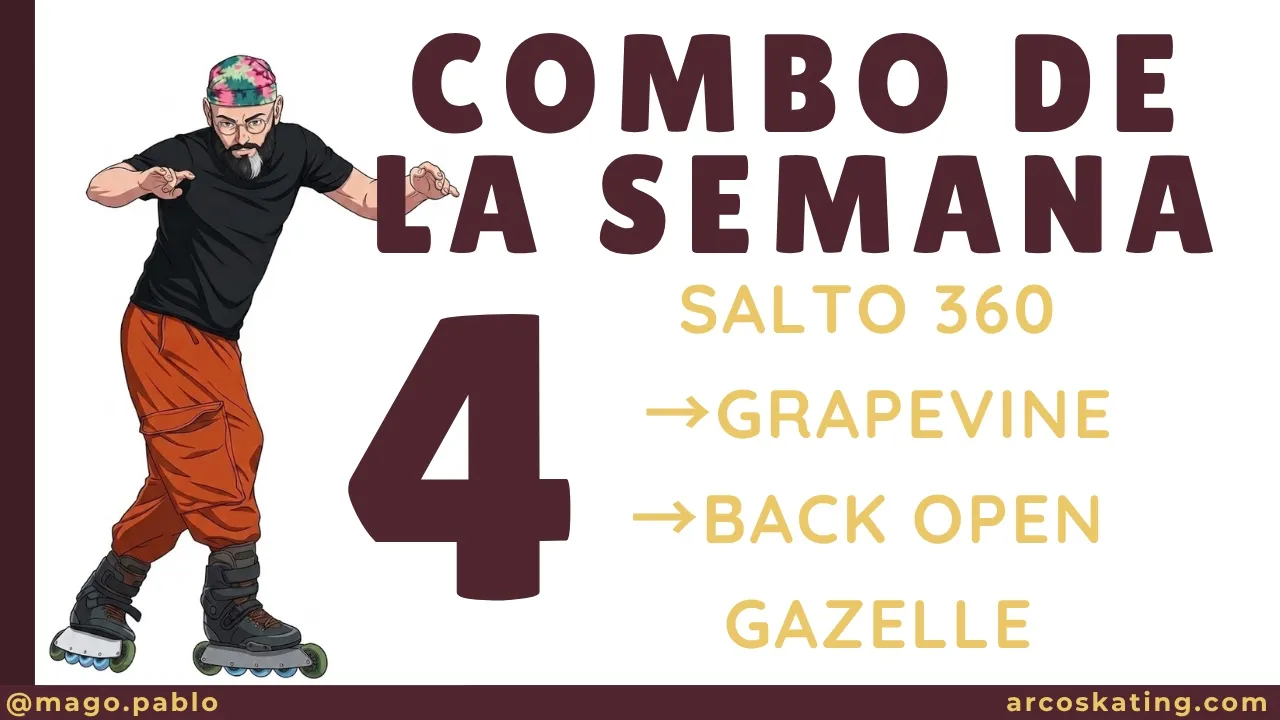
- Yes — it is the back open gazelle: the version you enter skating backward.
- What is the difference between a gazelle and a 180 jump turn?
- The jump cuts contact with the ground and resets the roll; the gazelle keeps the wheels spinning the whole time, so it preserves the speed and flow of the line. That is why it is the preferred transition within the style.
Sources
The nomenclature of families and variations follows the official source. The drills, progressions and teaching concepts around it are ARCO's own elaboration, created to communicate the ideas.